Portfolio Site
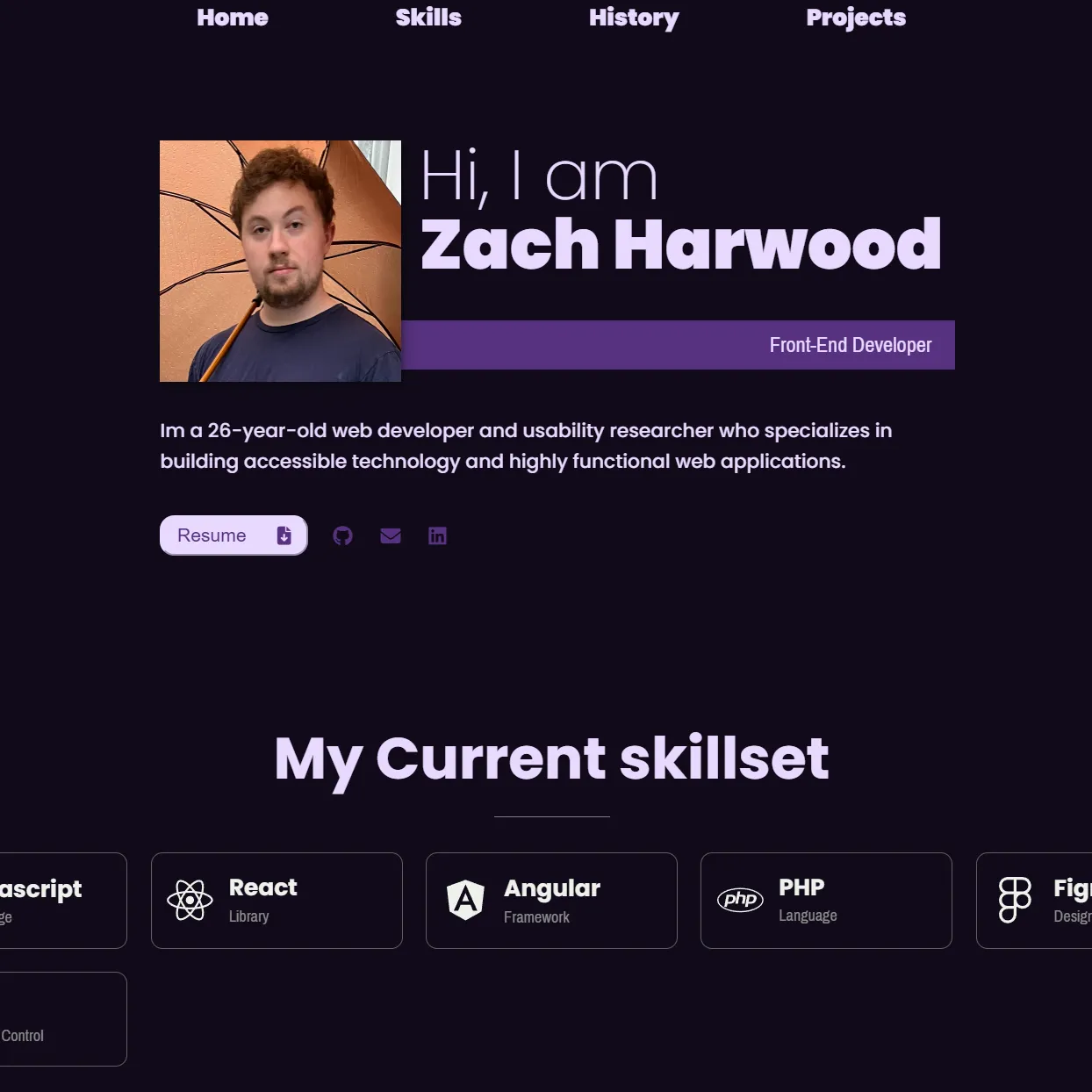
The site you're looking at right now
Typescript
Figma
Astro
The site you're looking at right now
This portfolio is a living project — it's where I practice what I preach about accessible, well-structured frontend work. The current version is the second major iteration, rebuilt from scratch in Astro after the original pure HTML/CSS version hit a wall in maintainability and scalability.
It started in Figma: wireframes, color system, component sketches. Then it shipped — and it keeps evolving. The ASCII particle animation hidden behind the name on the homepage wasn't in the original mockup. That's the nature of a site that's never really "done."
Why the original version couldn't scale
Version one was a single-page site written in vanilla HTML and CSS. It worked — but maintaining it became painful fast. Every navigation change meant editing the same markup in multiple files. Global styles bled into each other. Adding new project pages meant duplicating boilerplate by hand. It was the kind of codebase that gets harder to work in the more you add to it.
The rewrite wasn't about chasing a new framework — it was a deliberate response to real friction. Astro solved the specific problems the original had without introducing unnecessary complexity.
Component Architecture
Each section (Nav, Hero, Skills, History, Projects) is now a self-contained .astro component. Changing the nav once updates it everywhere. No more copy-paste maintenance.
Scoped CSS by Default
Astro scopes component styles automatically. Styles written inside a component only apply to that component — no naming conventions required, no accidental overrides, no specificity wars.
Zero JS by Default
Astro ships no JavaScript unless you explicitly opt into it. For a portfolio that's mostly static content, this means near-instant load times and a smaller footprint — without sacrificing the interactive pieces that do need JS, like the ASCII canvas animation.
File-Based Routing
Each project page is just a file in src/pages/projects/. Adding a new case study is as simple as creating a new .astro file — no router configuration, no manual link registration.
Built with Astro, TypeScript, and a shared layout system
Project pages are powered by a shared ProjectLayout.astro component that handles the consistent header, tech stack badges, hero image, and page shell. Each project just slots in its own content — keeping things DRY while allowing each case study to have its own structure and style.
TypeScript is used throughout for prop validation on layouts and components, catching mismatches between expected and passed data at build time rather than at runtime in the browser. The design process lived in Figma — color tokens, component states, and responsive breakpoints were all defined there before a line of code was written.
The interactive ASCII particle animation on the homepage is a canvas-based effect written in TypeScript. It's intentionally hidden by default — it only fires when you click the name — so the site reads cleanly for anyone who doesn't go looking for it.
What's still evolving
The site is always a work in progress. Upcoming changes include adding more detailed case studies for each project, a dedicated accessibility audit section to document WCAG compliance decisions made during development, and further performance optimizations to push Lighthouse scores as high as they can go. The portfolio practices what I preach — it should be the most accessible and performant page in the project list.